DICOM Explorer
DICOM Explorer Mode provides a structured view of DICOM (.dcm) files using the standard DICOM hierarchy within each project. Only DICOM files that you have permission to access are displayed.
Accessing DICOM Explorer
To open DICOM Explorer, navigate to a project or folder and select the DICOM Explorer toggle in the top-right corner.
The hierarchy is organized as follows:
Using DICOM Explorer Mode, you can:
- Browse DICOM files using the familiar Study → Series → Instance hierarchy.
- View only the DICOM files you have permission to access.
- Open DICOM instances directly in the built-in DICOM viewer.
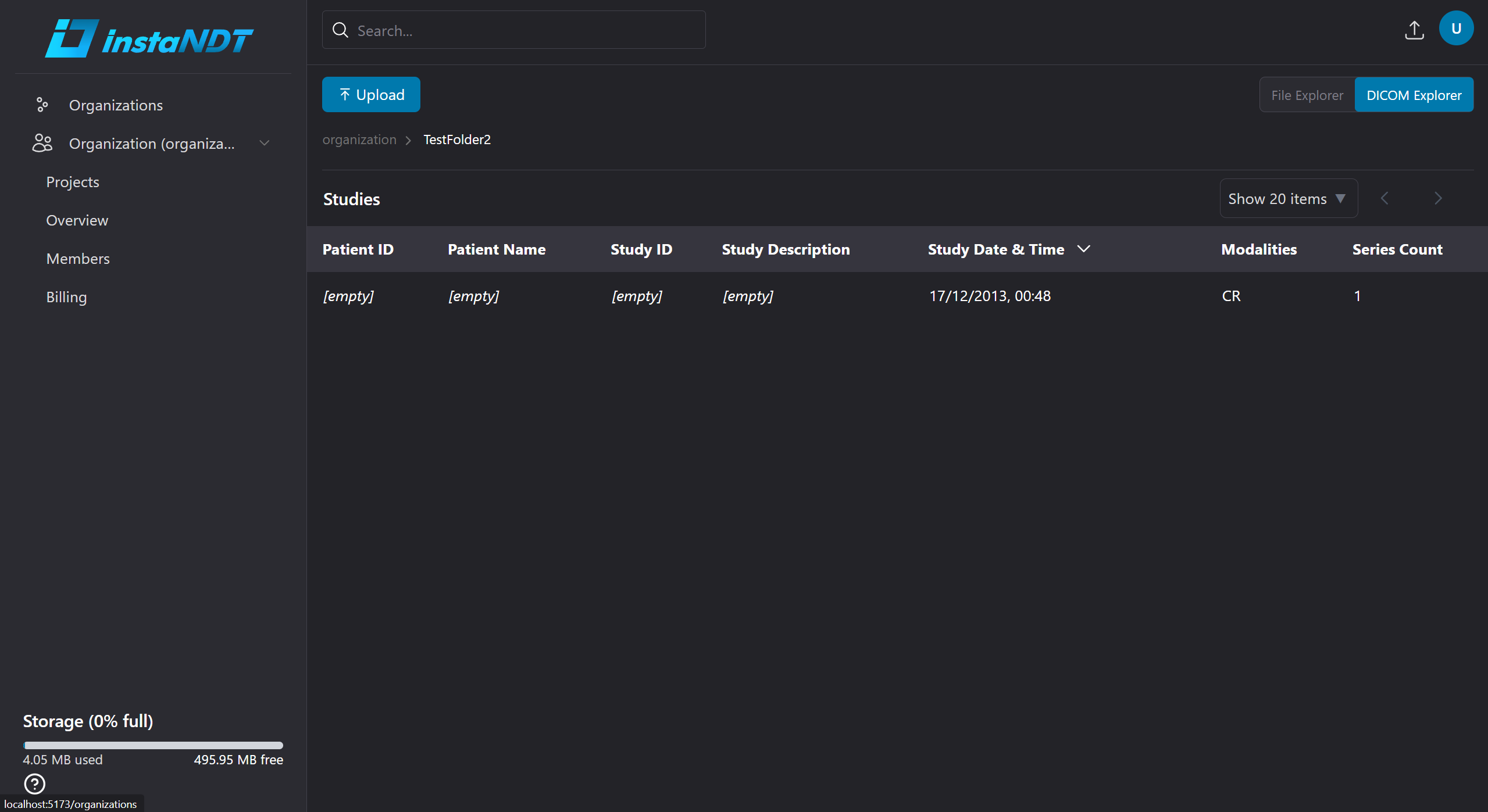
Figure 1. DICOM Explorer Mode displaying the Organization → Project → Study → Series → Instance hierarchy.