Verify Email
Before you can upload media to instaNDT, you must verify your email address.
If your email has not been verified, a notification banner is displayed at the bottom of the application prompting you to complete the verification process.
To verify your email:
- Click Verify Email in the notification banner.
- A verification email is sent to your registered email address.
- Open the email and click the verification link.
- Once the link has been opened successfully, your email address is verified and you can begin uploading media.
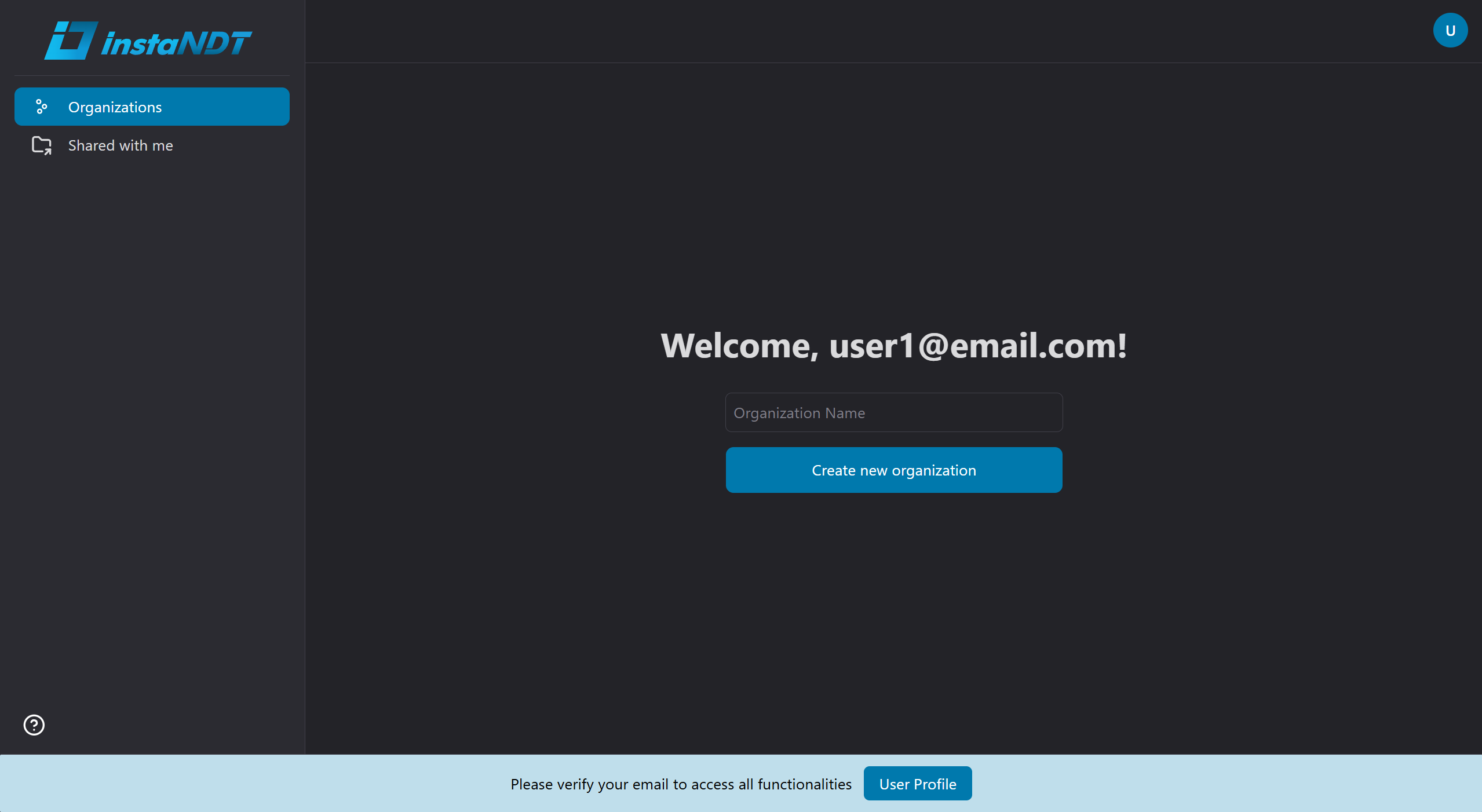
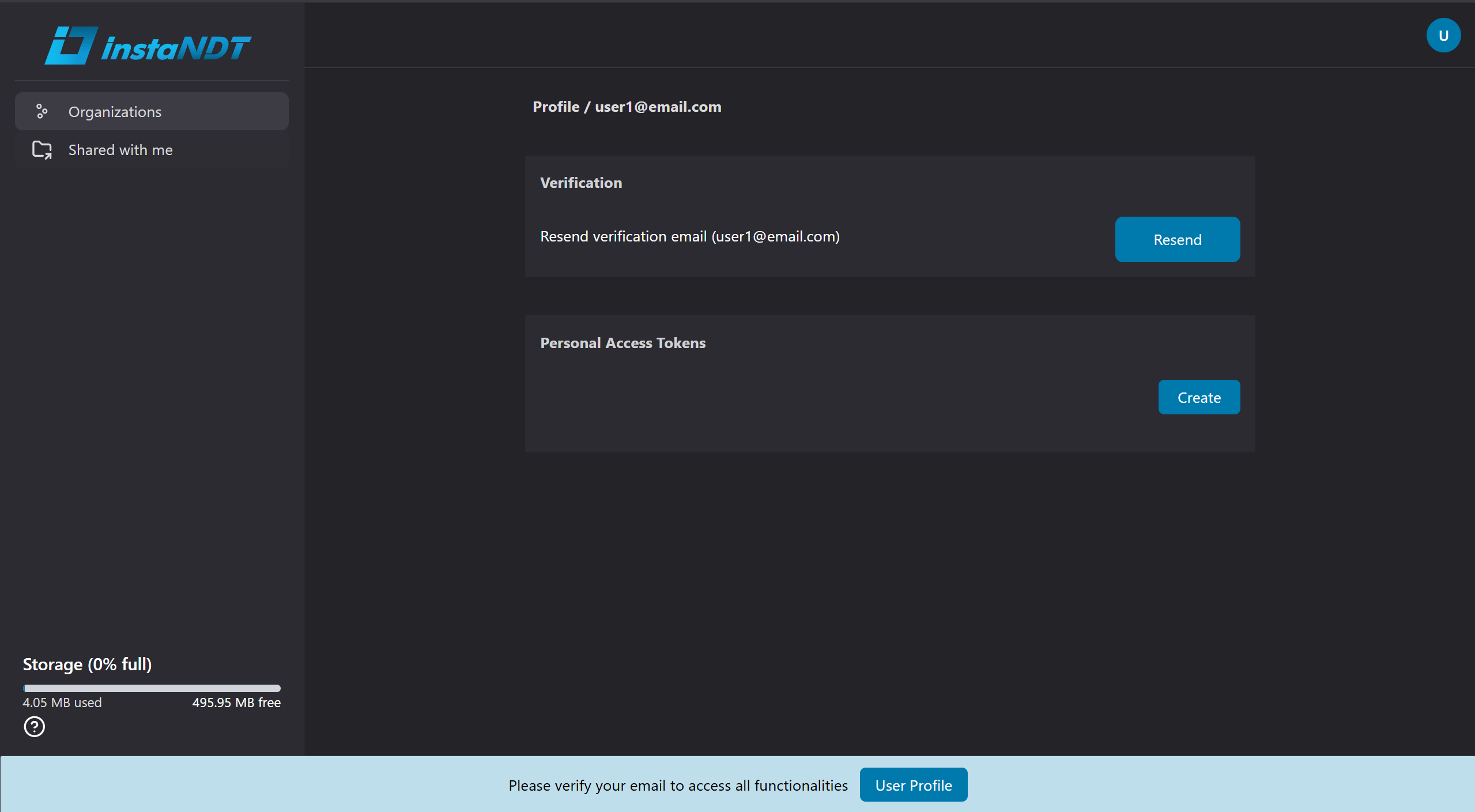
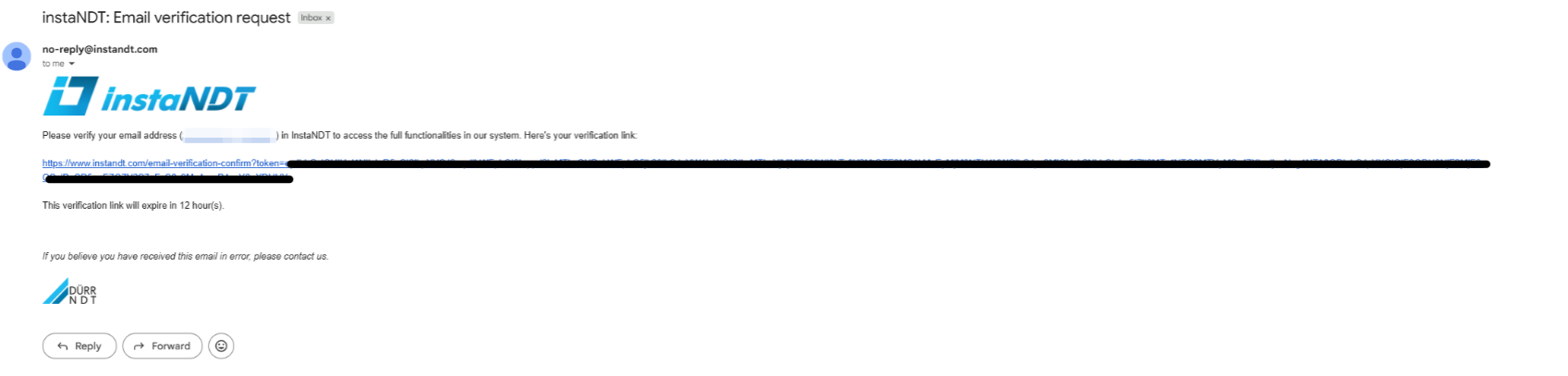
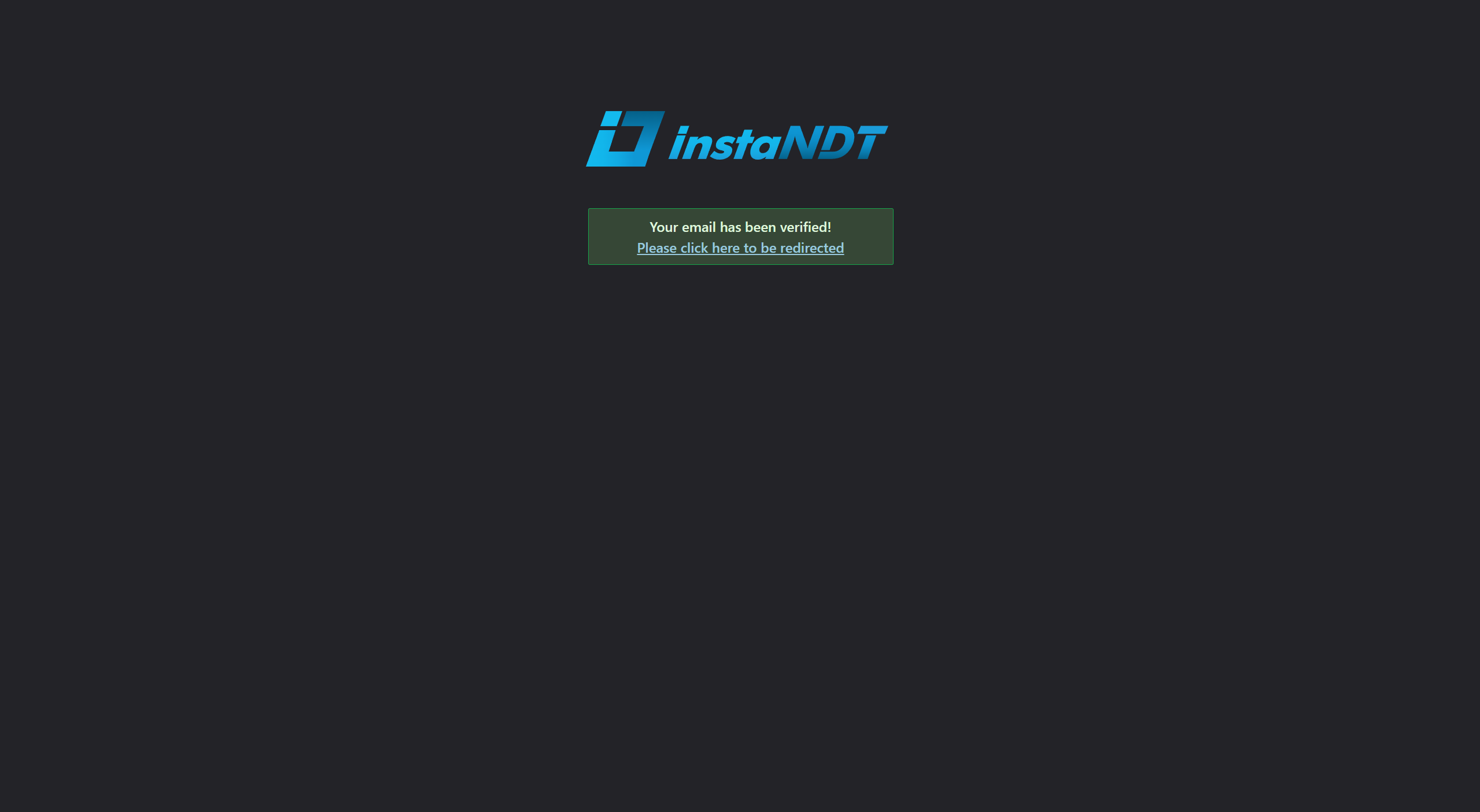
Figures 1–4. Verifying your email address. The application displays a verification banner, sends a verification email, and confirms your email after the verification link is opened.