Sign In
Before accessing instaNDT, you must create an account by signing up. Registration is required to verify your identity and to access the system.
Step 1: Create an Account
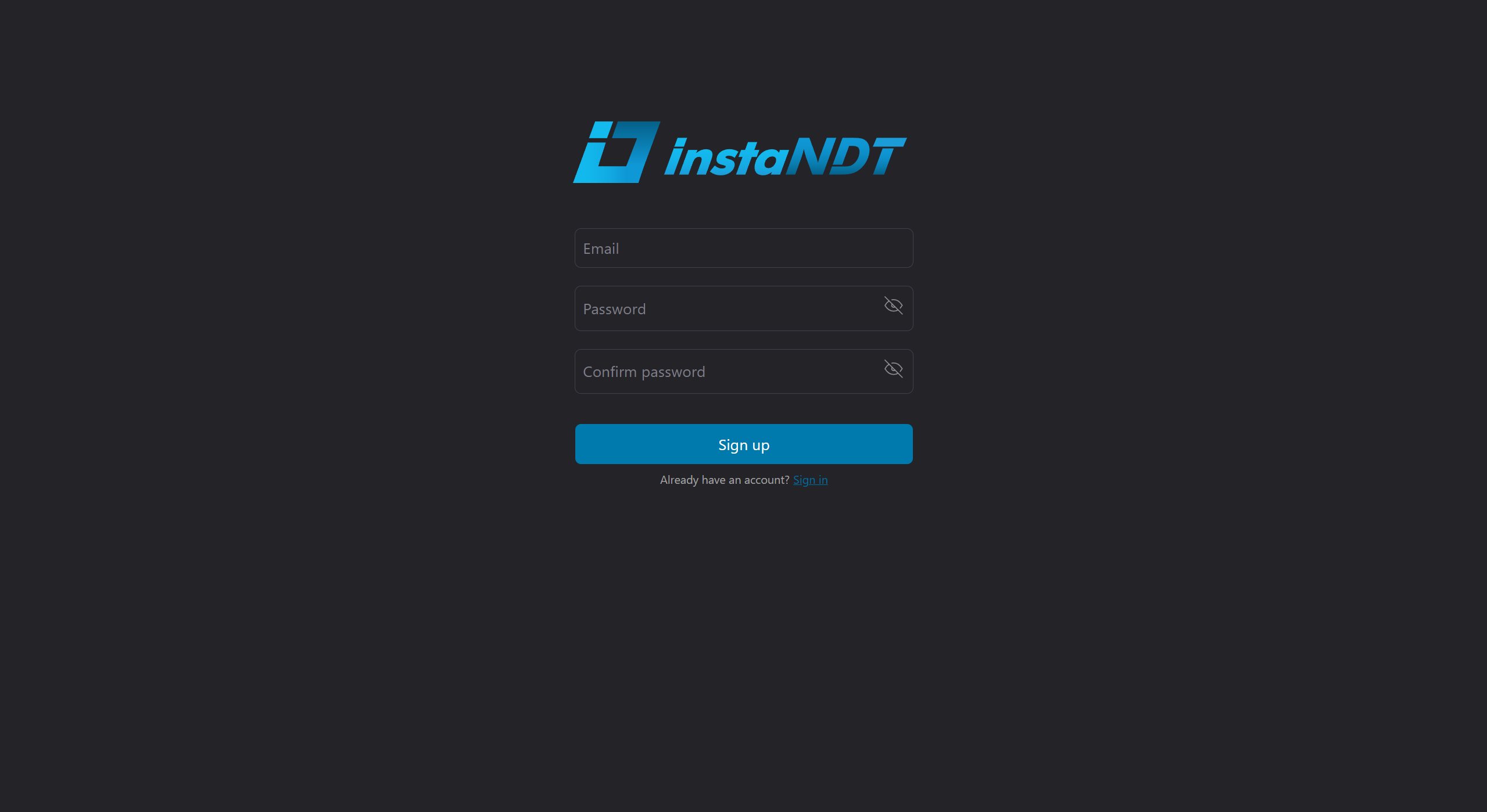
- Navigate to the Sign Up page.
- Enter the required information, including email address and password.
- Click Sign Up
Once your account has been successfully created, you can proceed to sign in.
Step 2: Sign In
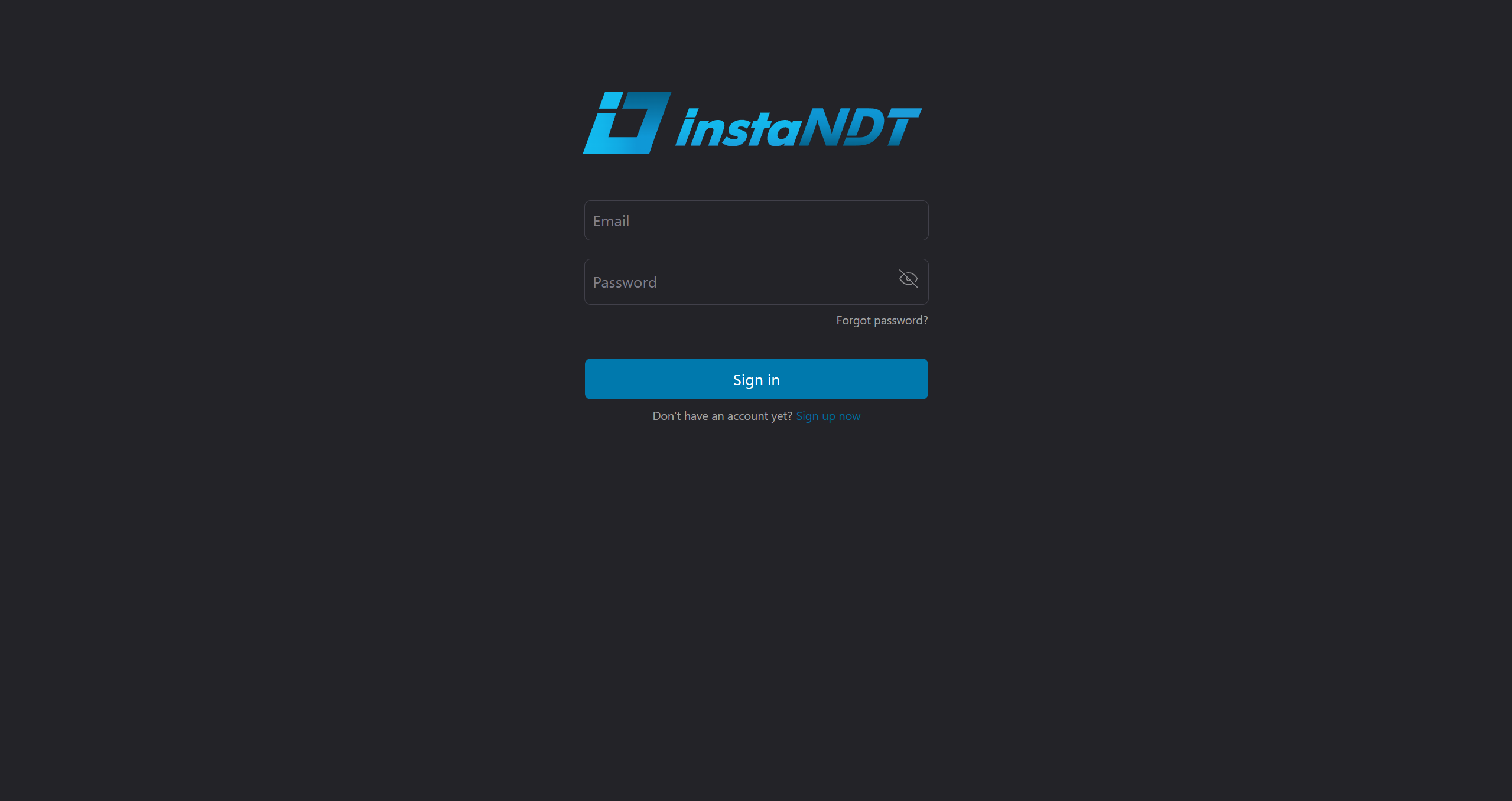
- Navigate to the Sign In page.
- Enter your registered email address and password.
- Click Sign In to access instaNDT
If your credentials are valid, you will be redirected to the application's dashboard.
Troubleshooting
If you are unable to sign in, consider the following:
- If you have forgotten your password, click Forgot Password and follow the instructions to reset your password.
- If you continue to experience issues, contact your system administrator or support team for assistance.